Dawnwalker Mods: Best Mods, UE5 Tweaks & Install Guide
Essential mod guide for The Blood of Dawnwalker. Learn how to install Unreal Engine 5 performance fixes, custom FOV, Reshade presets, and gameplay tweaks.
Developed by Rebel Wolves—founded by veteran developers behind The Witcher 3: Wild Hunt—and published by Bandai Namco, The Blood of Dawnwalker drops players into a grim, plague-ridden dark fantasy realm. Powered by Unreal Engine 5, the game delivers breathtaking atmospheric lighting and intense third-person combat. However, ambitious technical scope also brings common PC gaming bottlenecks: aggressive motion blur, narrow field of view, shader compilation stutters, and demanding ray tracing overhead.
The PC modding community has moved rapidly to refine the experience. Whether you want to boost frame rates, uncap ultrawide aspect ratios, or tweak combat responsiveness, this guide compiles the best launch mods and provides a clean installation roadmap.
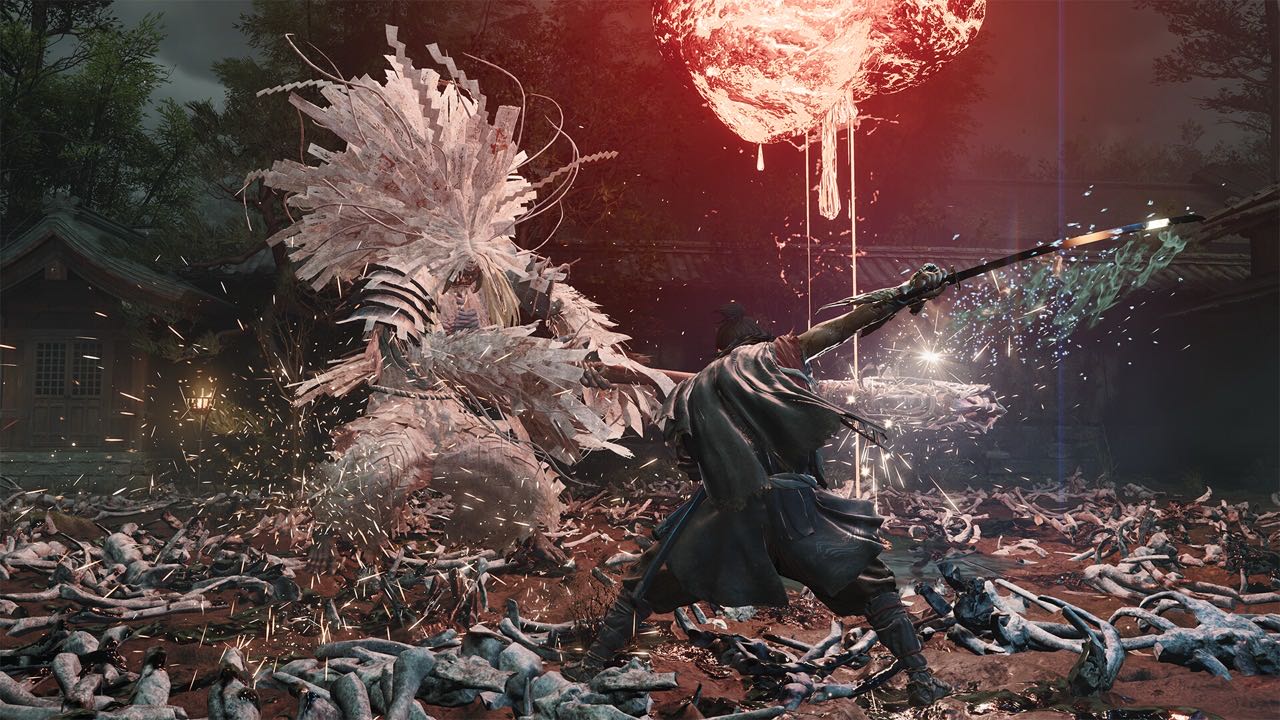
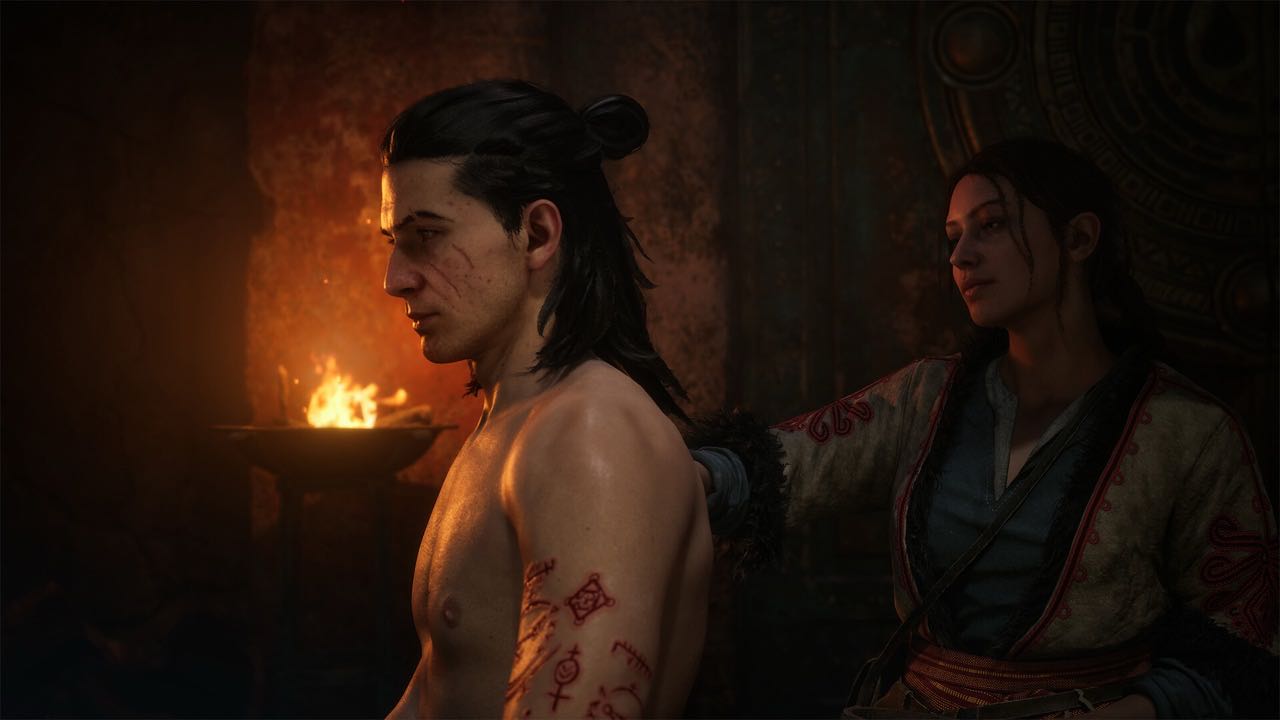 The Blood of Dawnwalker dark fantasy open world setting by Rebel Wolves
Must-Have Mods for The Blood of Dawnwalker
Below are the most impactful community modifications tested for stability and performance:
| Mod Name | Category | Primary Function | Performance Impact |
|---|---|---|---|
| Dawnwalker Engine Stutter Fix | Optimization | Forces asynchronous shader pre-caching and eliminates traversal hitching | +12% 1% Low FPS |
| Custom FOV & Camera Unlocker | Camera / QoL | Expands default field of view from 70° to configurable 85°–105° | Neutral |
| True Black HDR & Grim Reshade | Visual Overhaul | Removes grey fog filters, enhances Lumen contrast, and deepens shadows | Minimal (~2 FPS) |
| Responsive Dodge & Parry Window | Gameplay Balance | Reduces parry input startup latency by 4 frames for tighter swordplay | Neutral |
| No Intro & Quick Startup | Convenience | Skips unskippable publisher logos to launch directly into the main menu | Fast startup |
Step-by-Step Installation Guide
Most early mods for The Blood of Dawnwalker are distributed as customized Unreal Engine configuration files (.ini), loose replacement assets (~mods folder inside Paks), or DLL script hooks.
Method 1: Engine Tweaks via Engine.ini
To fix frame pacing and disable forced depth of field:
- Press
Win + R, type%LOCALAPPDATA%\Dawnwalker\Saved\Config\WindowsNoEditor\, and hit Enter. - Open
Engine.iniin a text editor (Notepad or VS Code). - Append the recommended community performance block at the bottom of the file:
[SystemSettings]
r.CreateShadersOnLoad=1
r.Shaders.Optimize=1
r.MotionBlurQuality=0
r.DepthOfFieldQuality=0
r.SceneColorFringeQuality=0
- Save the file and mark it as Read-only in file properties to prevent game updates from overwriting your custom variables.
Method 2: Installing Pak Mods (~mods Directory)
Visual skins and model replacements use standard Unreal .pak containers:
- Navigate to your Steam installation directory:
...\steamapps\common\The Blood of Dawnwalker\Dawnwalker\Content\Paks\ - Create a new folder named
~mods(the tilde prefix ensures correct override priority). - Drop downloaded
.pak,.ucas, and.utocfiles directly into this directory. - Launch the game normally.
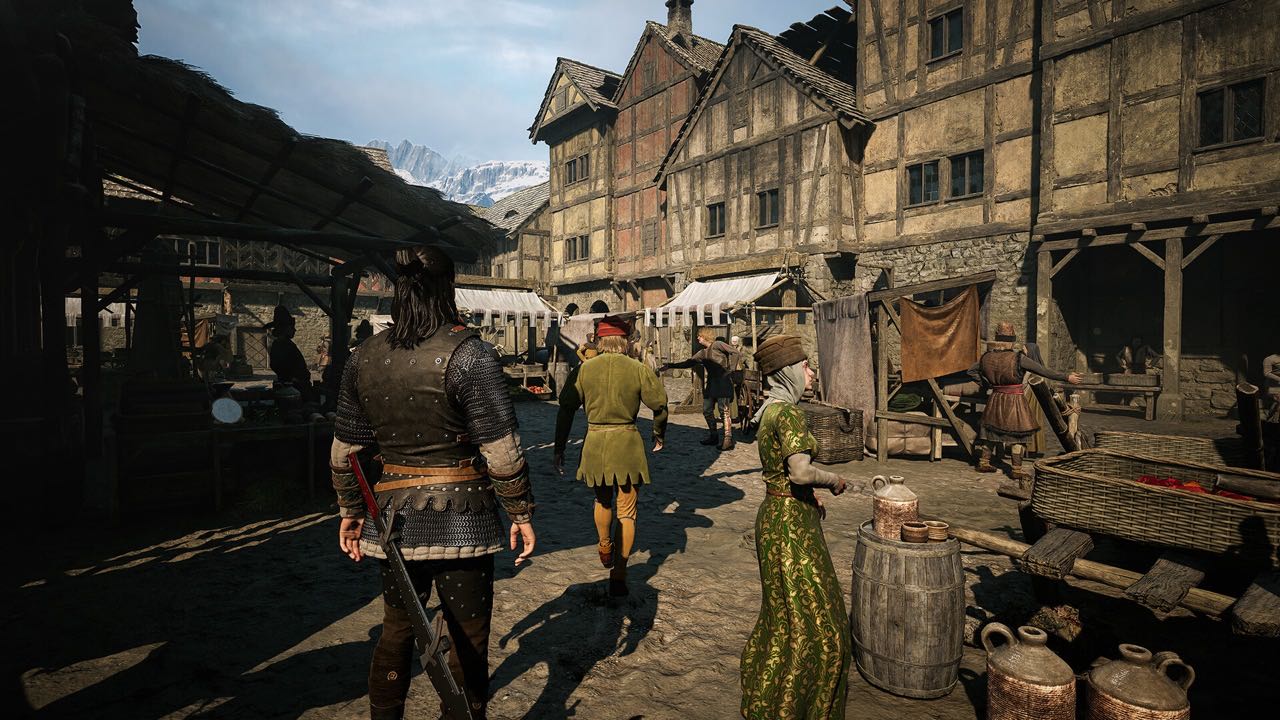 Dawnwalker Unreal Engine 5 visual overhaul and lighting tweaks
Troubleshooting & Best Practices
- Game Crashes on Startup: If an update arrives, delete files inside
~modsfirst to isolate outdated script hooks before verifying Steam game file integrity. - Shader Cache Rebuild: Whenever you install a major graphics mod, delete the contents of
%LOCALAPPDATA%\Dawnwalker\Saved\ShaderCache\to allow clean recompilation on your next launch. - Achievements & Online Features: None of the current client-side graphics or engine modifications disable Steam achievements.
Frequently Asked Questions
Does modding The Blood of Dawnwalker disable Steam achievements?
No. Cosmetic modifications, camera unlockers, and engine ini optimizations do not disable achievements or trigger anti-cheat warnings in single-player play.
Where can I find more community mods?
Check the dedicated community section on Nexus Mods and GitHub repositories maintained by the Unreal Engine modding collective.